
 EN
EN
Free plugin
WordPress and LiberSave work great together
Payment processing for online stores
From the WordPress catalog
Privacy comes first
No customer tracking, no hidden analytics
Super lightweight and extremely fast
No client SDK required and no impact on site speed
You can rely on it
Secure server-side processing and webhook synchronization
Works across multiple versions
WordPress 5.8–6.9, WooCommerce 5.8–10.4 and PHP 7.3+
From the WordPress catalog
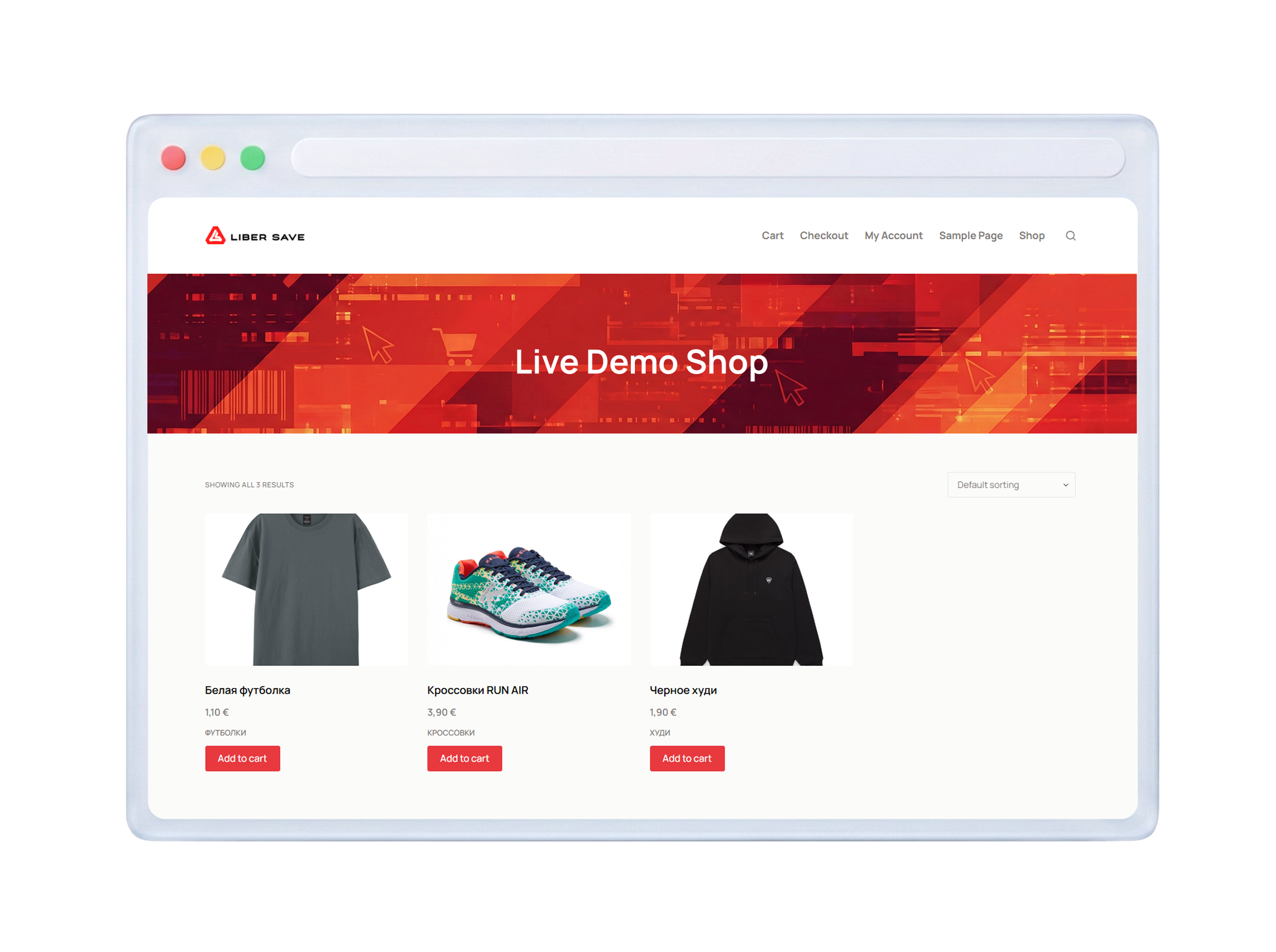
Ready to go in a few steps
LiberSave installs like any standard WordPress plugin and works together with WooCommerce

LiberSave installs like any standard WordPress plugin and works together with WooCommerce
Install from WordPress catalog
Plugins → Add New → Search for 'LiberSave' → Install
step 1
Register on LiberSave
Get your API credentials in your account: API base URL, Merchant API key, and Webhook Secret key
step 2
Accept LiberSave coupons in WooCommerce
Secure payment system based on digital coupons and loyalty programs
That’s interesting!

Frequently Asked Questions
LiberSave Payments is more than just a standard payment gateway. Unlike typical solutions that are limited to cards or e-wallets, our plugin allows you to accept payments via LiberSave digital vouchers directly on a secure checkout page. The plugin operates entirely on the server side, ensuring reliable payment processing, automatic order status synchronization, and requires no client-side SDKs, user tracking, or passing payment data through your site. Simplicity, security, and full control — all in one solution.
No. LiberSave Payments fully respects your customers' privacy: the plugin does not track users, does not store their data on third-party services, and does not send any telemetry. Security and privacy come first.
Yes! To start testing and using the plugin, simply register in the merchant dashboard and obtain your API Key and Webhook Secret — it only takes a few steps.
- Fill in the main sections:
- Brand information
- Branches (if you have offline locations)
- Legal information
- Create a voucher and get your unique API Key and Webhook Secret
- Copy them
- Paste them into the plugin settings in WordPress: WooCommerce → Settings → Payments → LiberSave
Simple, fast, and secure — and you're ready to accept payments via LiberSave digital vouchers.
No! Your customers can pay with LiberSave digital vouchers without registering. The API key is required only for the merchant — ensuring simplicity and security for all payments.
Payment via LiberSave is extremely simple and secure. The customer selects LiberSave on the checkout page, is redirected to a secure payment page, uses digital vouchers, and instantly returns to your store. The order status is updated automatically — no manual actions or delays.
You can always get all the details, integration guides, and answers to frequently asked questions from our support team. Just write to info@libersave.com — and we will promptly help you set up LiberSave Payments and make accepting payments as simple and secure as possible.