
 EN
EN
Free plugin
WordPress and LiberSave work great together
Payment processing for online stores
From the WordPress catalog
Privacy comes first
No customer tracking, no hidden analytics
Super lightweight and extremely fast
No client SDK required and no impact on site speed
You can rely on it
Secure server-side processing and webhook synchronization
Works across multiple versions
WordPress 5.8–6.9, WooCommerce 5.8–10.4 and PHP 7.3+
From the WordPress catalog
Try the LiberSave Plugin
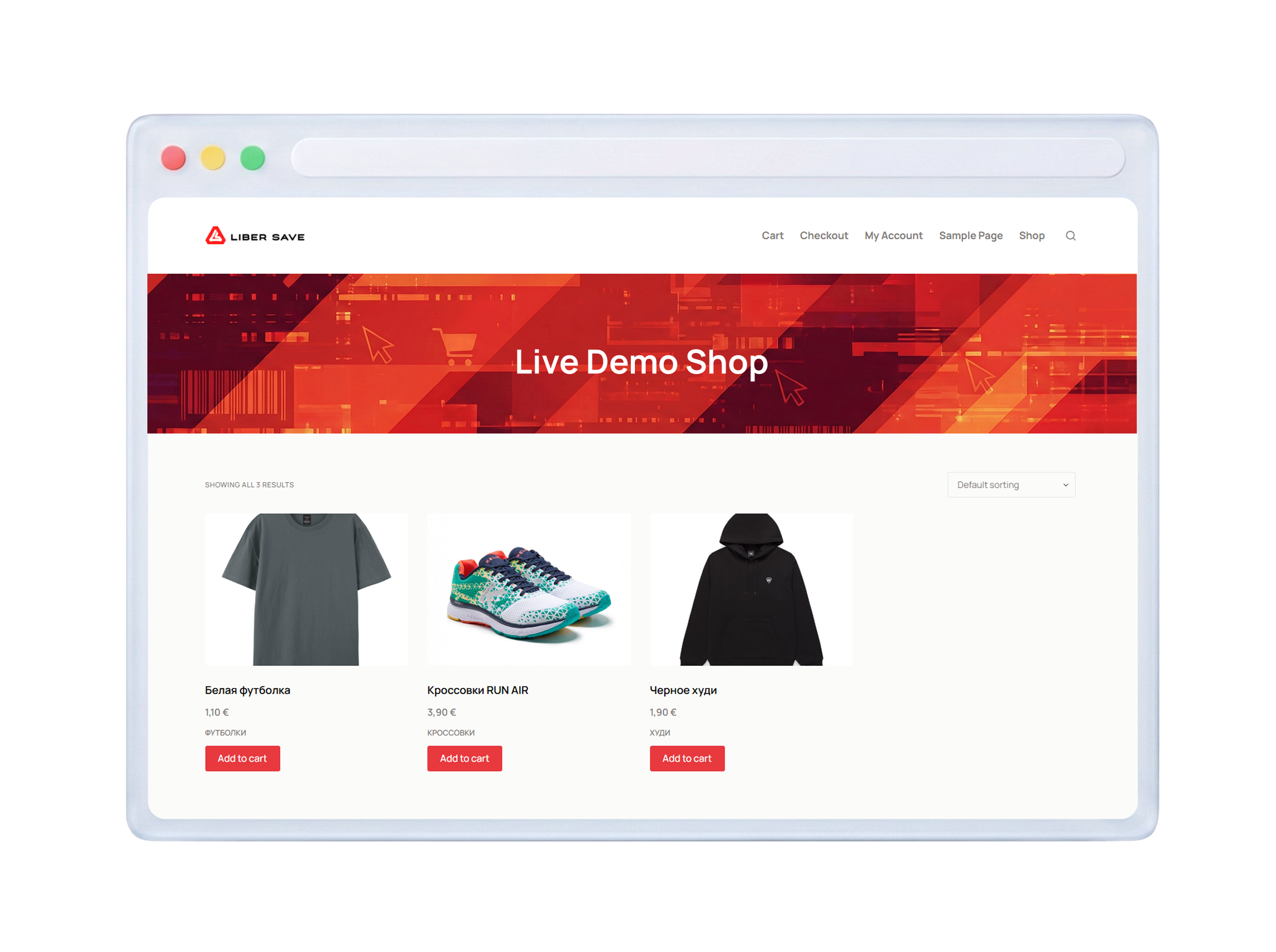
Experience our payment gateway in a demo store right now
Ready to go in a few steps
LiberSave installs like any standard WordPress plugin and works together with WooCommerce
LiberSave installs like any standard WordPress plugin and works together with WooCommerce
Install from WordPress catalog
Plugins → Add New → Search for 'LiberSave' → Install
step 1
Register on LiberSave
Get your API credentials in your account: API base URL, Merchant API key, and Webhook Secret key
step 2
Accept LiberSave coupons in WooCommerce
Secure payment system based on digital coupons and loyalty programs
That’s interesting!

Frequently Asked Questions
A regular discount reduces your bill and revenue. With us, you increase the customer's purchasing power. You receive the full amount the customer is ready to spend (Top Up), while allowing them to get more goods. This is psychologically appealing to the buyer and beneficial for turnover.
This multiplies the customer's money. If Boost is x1.15, the customer will get goods worth 115€ for their 100€. For you, this is the main attraction tool: the higher the Boost, the higher your store ranks in search results. You literally pay for advertising and new customer inflow with your products, not with actual cash from your advertising budget.
Check the Your Revenue field in the calculator. This is the amount the customer deposits (Top Up) minus the LiberSave commission. Important: all bonuses (Boost and Cashback) are issued as products or future discounts. They are not deducted from your bank account in cash. You never spend more than the Total Discount limit you set.
Funds that customers have already accumulated remain untouched. Any changes to settings (overall limit or distribution between Boost and Cashback) apply only to new transactions. You manage the future strategy but cannot change obligations that have already arisen for customers.
Example answer, subject to confirmation: Refunds are processed strictly through your LiberSave Dashboard. The system calculates the correct amount. Refund amount: The customer receives only the actual money paid (e.g., 100€), not the amount including Boost (115€). Cashback: Cashback earned from this purchase is canceled. If the customer has already spent it, the refund will be reduced by the spent cashback. All fund movements occur within the platform; you do not need to provide cash from your register. See [Refund Policy] for details.